Creation checks
Notice missing captions, transcripts, alt text, structure, and contrast.
Accessibility & UDL is designed as a complete Lexora experience with visible controls, human-readable outcomes, and a clear place in the wider learning platform.
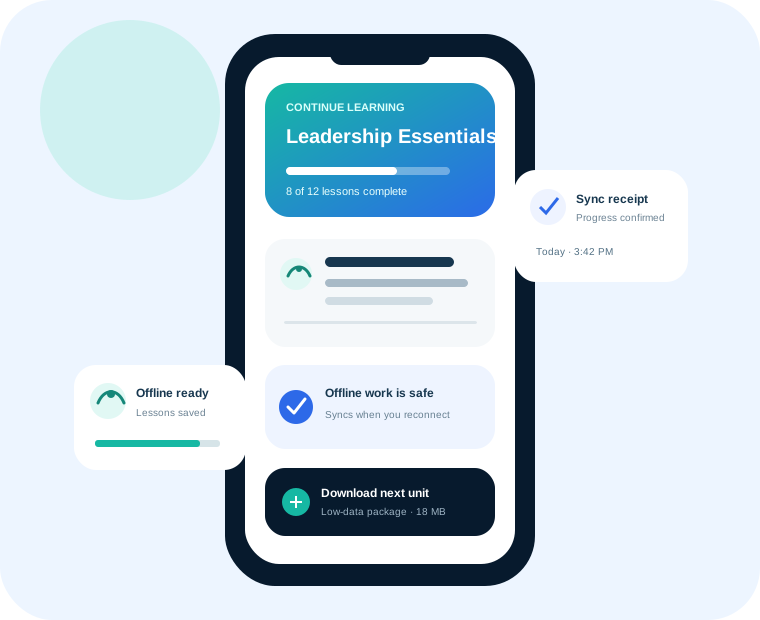
Accessibility & UDL is designed as a complete Lexora experience with visible controls, human-readable outcomes, and a clear place in the wider learning platform.
Notice missing captions, transcripts, alt text, structure, and contrast.
Offer text, video, audio, simplified, low-data, and accessible variants.
Respect reduced motion, text, and layout preferences.
Keep workflows understandable without a pointing device.
Support clear instructions and alternative evidence responsibly.
Encourage multiple ways to engage, understand, and demonstrate learning.
Lexora is designed for solo instructors, academies, schools, colleges, universities, organizations, ministries, nonprofits, government-facing programs, and academy networks.
Yes. Lexora is modular so teams can begin with the capabilities they need and expand without rebuilding the learning operation.
AI experiences are designed around source grounding, permissions, human review, release awareness, usage visibility, and learner safety.
We will connect the feature to your people, policies, and outcomes.